Documentation
The documentation of Bernard Review, the open-source review player for visual effects and animation. Getting started, task guides and technical pages.
Bernard Review is a review player for visual effects, animation and cinema, published under the MIT license. It plays image sequences, movies, camera RAW and Flash files, compares two versions, lets you draw and write notes, and puts several workstations on the same frame.
Interface labels are written here as they appear in the player.
What do you want to do?
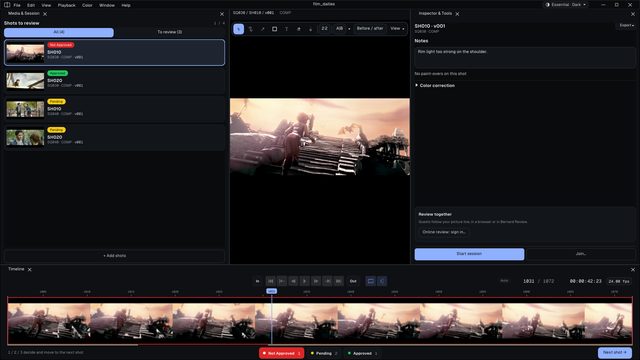 Review a playlist in 5 minutesOpen your shots, play them, and decide each one with 1, 2 or 3.
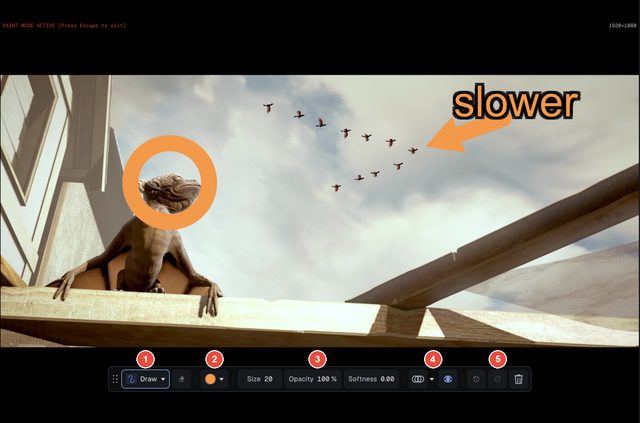 Draw and write notesMark up the frame, type the note, find every remark again.
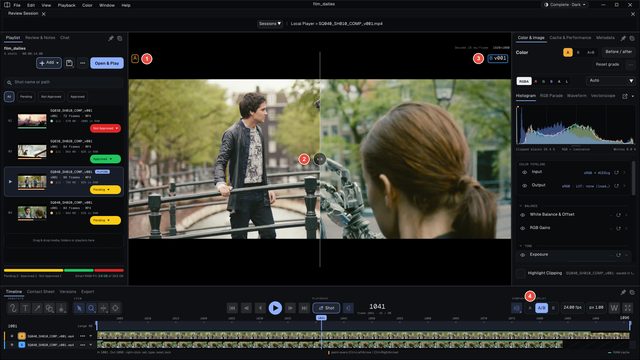 Compare two versionsWipe from one version to the other, or flick between A and B.
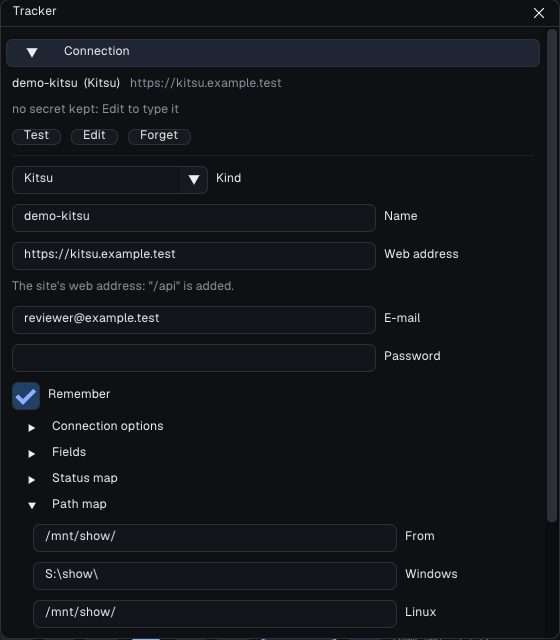 Send notes and statuses to the trackerPublish (N) and Finish review: notes, drawings and statuses, shot by shot.
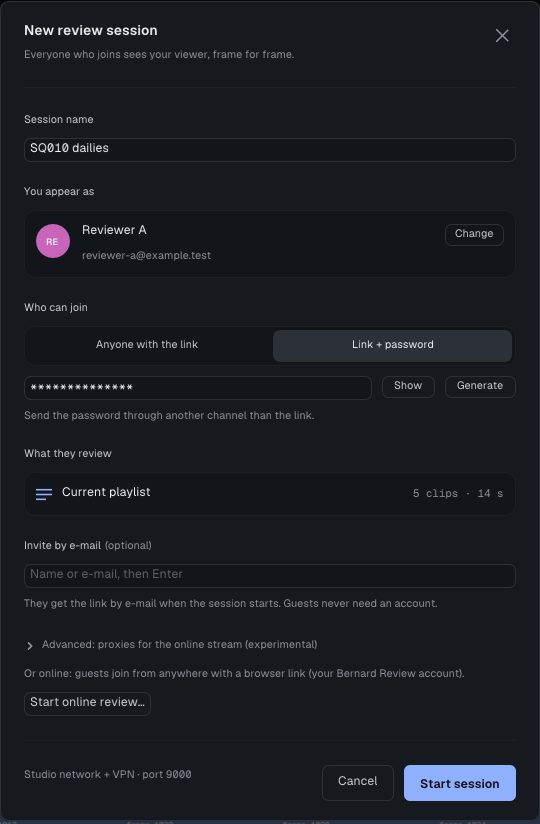 Review online with a clientOne browser link: your client follows your picture live, without the player.
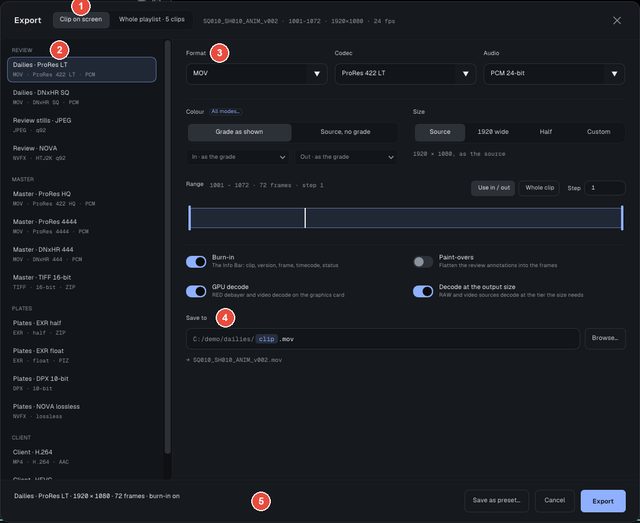 ExportMovies or frames with burn-in and a watermark, and the notes as a web page.
Images: Sintel and Tears of Steel, (CC) Blender Foundation | studio.blender.org
Getting started
- Getting started: install, open, play, compare, review together, in five steps.
Task guides
- Play and navigate: the playlist, the timeline, the formats.
- Compare: the A/B wipe, versions, the Version Board.
- Annotate: the paint tools, text, the laser, onion skinning, notes.
- Notes and export: exporting notes, frames and movies, recipes, burn-in, watermark.
- Review sessions: hosting, inviting, joining, the rules of a session.
- Color: color spaces, the grading panel, curves, scopes, LUTs.
- Memory and performance: the memory ceiling, Smart RAM-Fit, the Cache & Performance tab.
- Trackers: Bernard Engine, Kitsu, ftrack and Flow Production Tracking.
Technical
- Installation and IT: installers, ports, offline use, settings and log.
- Python API and IPC: driving the player from a script.
- Command line and headless export: the player on a render farm.
- Integrations: trackers and studio pipelines.
Image credits
The screenshots show synthetic pictures made for this documentation, and pictures from two open films of the Blender Foundation, published under the Creative Commons Attribution 3.0 license:
- Sintel, (CC) Blender Foundation | studio.blender.org
- Tears of Steel, (CC) Blender Foundation | studio.blender.org
Each screenshot that shows them says so underneath.
The complete manual
The reference manual describes every panel, menu and setting: Help > User Guide.